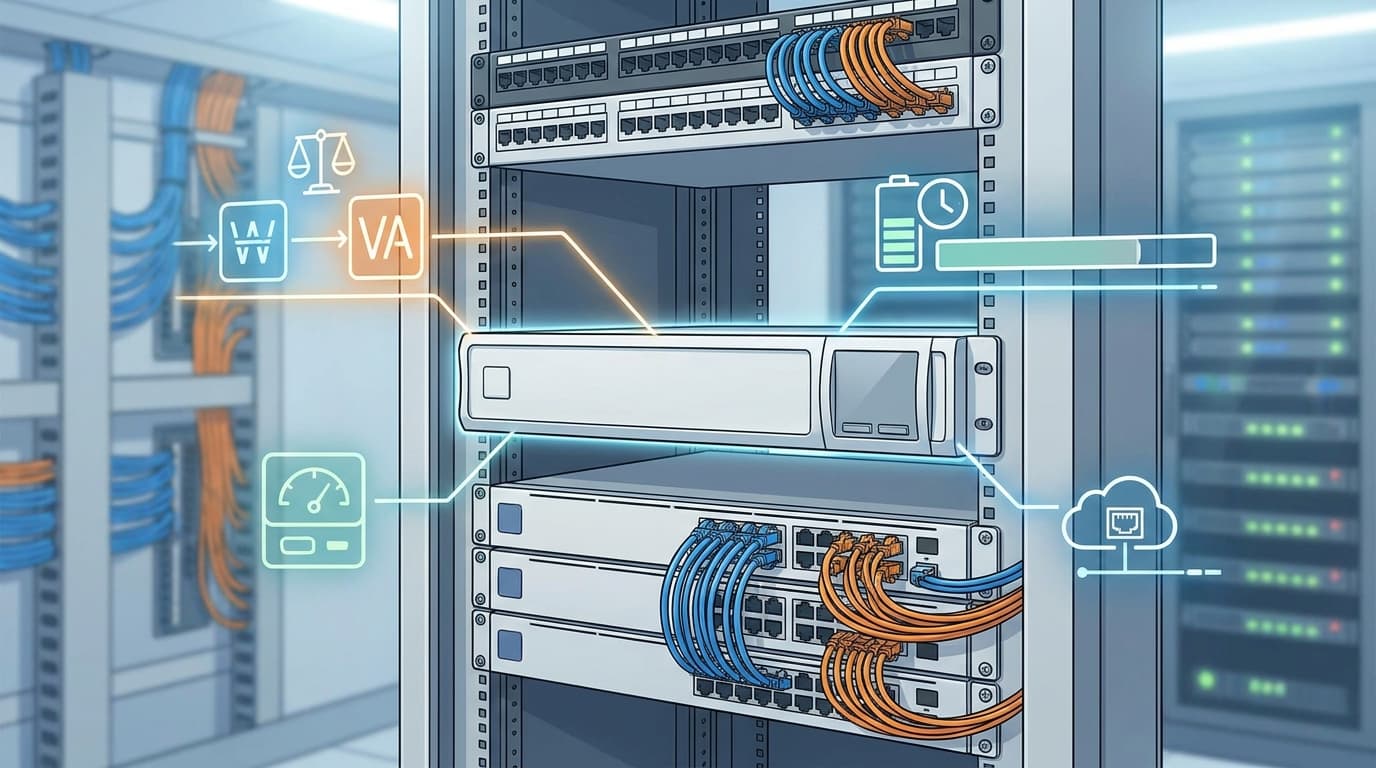
The power drops, the office goes quiet, and someone asks why the internet disappeared when the laptops still have battery. Often, the missing piece is a router, firewall or fibre termination device that never made it onto backup power. Choosing a network UPS starts with tracing that whole connection, not simply finding something that fits beneath the rack.
For a small business, the aim might be keeping calls alive through a brief interruption, maintaining remote access or giving systems time to shut down cleanly. Those goals need different amounts of battery capacity and different management features. Before comparing models, decide what must stay online, how long it needs to run and what should happen if the outage continues.
Start with the equipment that actually needs power
Walk through the network path from the internet handoff to the devices people depend on. Your list might include an optical network terminal, router, firewall, core switch and the switches powering essential wireless access points or phones. Backup power cannot keep an internet service working if infrastructure outside your premises loses power, but it can remove avoidable failures inside your own rack. Record each device’s normal consumption, likely peak demand and power connector type.
PoE switches deserve particular attention because their load changes with what they power. A switch supporting two access points today may support phones, cameras and additional access points six months from now. Its advertised PoE budget describes available power for connected devices, not necessarily its total AC input consumption. Use manufacturer documentation and, where practical, input-power measurements under representative conditions to establish a realistic load.
Avoid treating a power adaptor’s maximum output rating as the device’s normal draw. It can help establish an upper bound, but it is not a measurement of actual consumption. Likewise, do not count PoE endpoints separately if their consumption is already included in the switch’s measured AC input. That double-counting can push you towards a larger, more expensive system without improving the design.
Physical compatibility matters just as much as the load calculation. Check rack depth, mounting requirements, ventilation clearances, equipment weight and whether suitable rails or shelves are included. Confirm the UPS input plug and output sockets against the actual leads and power distribution equipment you intend to use. Have an appropriately qualified installer assess any required electrical work or fixed cabling changes rather than improvising around an unsuitable outlet.
Read both watts and VA before comparing models
UPS capacity is commonly expressed in both watts and VA, and neither figure should be ignored. Watts describe real power consumed by the load, while volt-amperes describe apparent power; power factor relates the two. Connected equipment must stay within both of the UPS manufacturer’s output limits. Two units carrying the same VA rating can have different watt ratings, so the larger number on the front is not enough to make a sensible comparison.
Consider a hypothetical rack where measured demand is 25 W for a router, 35 W for a firewall and 220 W for a PoE switch, including its connected devices. That gives a starting load of 280 W, not a recommended UPS size. Allow for credible growth, higher PoE demand and operating variation, then check both the resulting watt requirement and apparent-power requirement. If reliable VA or power-factor information is unavailable, get manufacturer guidance rather than assuming watts and VA are interchangeable.
Headroom is useful, but buying extra output capacity does not automatically buy the runtime you need. Battery capacity and system efficiency also matter, which is why two suitably rated units can behave differently during an outage. Check the manufacturer’s battery-mode output waveform and transfer characteristics against the requirements of your equipment’s power supplies. Line-interactive and online double-conversion designs handle incoming power differently, but topology alone does not establish compatibility; consult the specific documentation.
Plan runtime around an outage scenario
A useful UPS runtime target describes an outcome rather than an impressive number. You might need enough time to ride through short interruptions, or enough to maintain connectivity while servers shut down and staff save their work. If voice calling is important, include the equipment powering the phones and access points in that scenario. There is little value in keeping the firewall running after the switch carrying everyone’s traffic has stopped.
Use the manufacturer’s runtime curve or sizing tool at your expected load, not a headline runtime quoted at an unspecified load. Battery runtime does not scale neatly with either the VA rating or a simple percentage calculation. Published figures also depend on stated test conditions and battery configuration. For a network UPS, compare runtime at both today’s load and the higher load you realistically expect later.
Leave room for battery ageing and actual operating conditions. A hot communications cupboard can shorten battery service life, while repeated discharges and charging conditions also affect performance. Check the specified operating environment, battery replacement arrangements and any external battery options before purchase. Schedule controlled checks during a maintenance window, following manufacturer instructions, so the first meaningful battery test is not an unexpected outage.
Make management part of the purchase decision
UPS management can mean anything from a local USB connection to network monitoring, event notifications and coordinated shutdown. Those capabilities are not interchangeable, and a network interface or management card may be optional rather than included. Check exactly what hardware, software and licences are required for the functions you need. A monitoring port is only useful if your team can integrate it and someone receives actionable alerts.
For network monitoring, confirm the supported protocols and how your monitoring platform will collect status and alarms. Where supported by both ends, SNMPv3 provides authentication and privacy options that older SNMP versions lack. Also check firmware support, account controls, certificate handling and options for disabling unused services. Keep the management interface on an appropriately restricted network rather than exposing it directly to the internet.
Shutdown compatibility needs its own check because monitoring support does not necessarily mean supported shutdown integration. Verify the operating systems, virtualisation environment and any agents against current manufacturer compatibility documentation. Think through dependencies as well: if a server needs a shutdown command across the network, the switch carrying that command must remain powered long enough to deliver it. Routers and firewalls may have their own shutdown limitations, so do not assume every appliance accepts a graceful shutdown instruction.
Before ordering, bring the load estimate, required runtime, connector list and management requirements together in one short brief. Ask for confirmation against the exact model and any required accessories, rather than relying on a product-family description. The right network UPS is the one that keeps your particular connection working for a useful period and tells you clearly when intervention is needed. That is a much better outcome than discovering, in a darkened office, that the batteries were protecting everything except the device everyone needed.