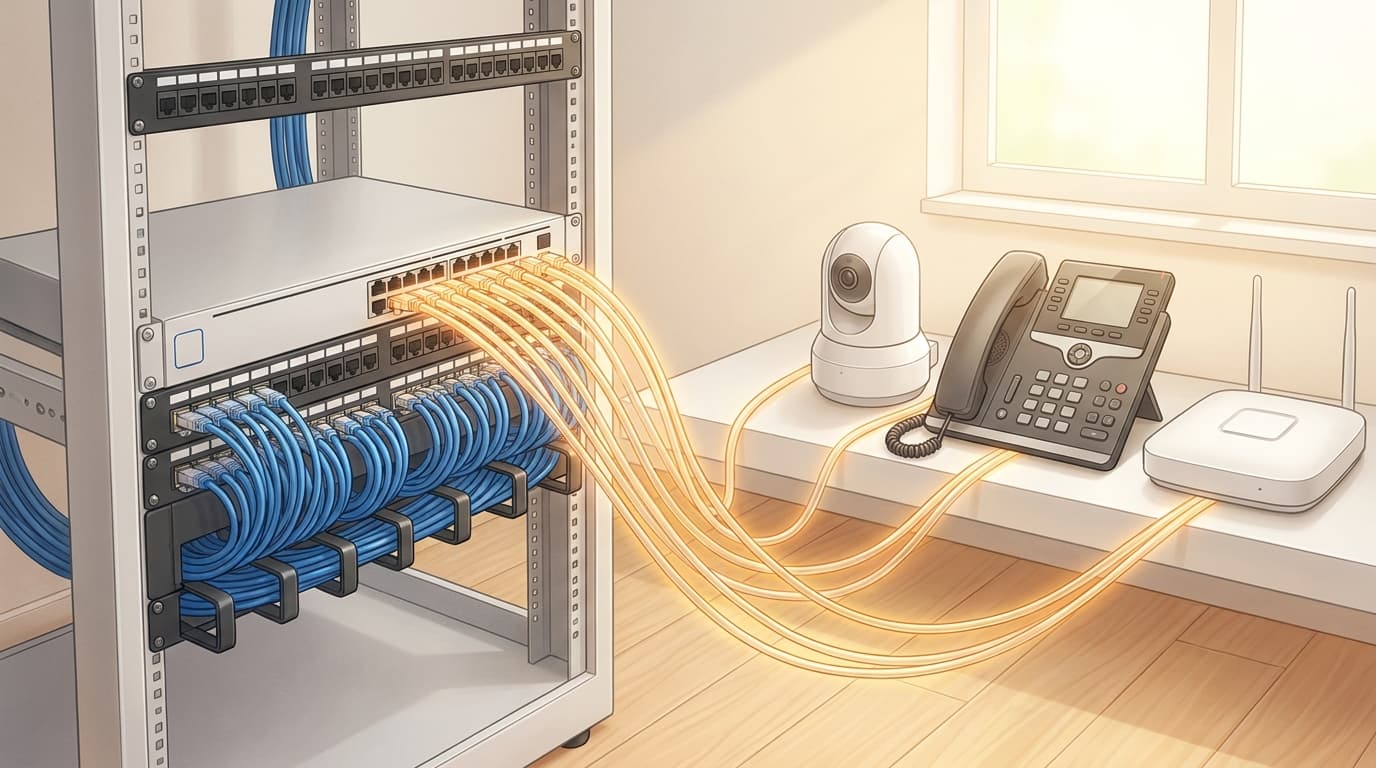
A network switch can have enough sockets for every phone, camera and wireless access point yet still lack the power to run them together. Power over Ethernet, or PoE, carries electrical power alongside data through Ethernet cabling. Choosing a suitable switch means checking both what each port can supply and what all powered ports can share.
Those are separate limits. A port described as supporting 30 watts does not mean every port can deliver 30 watts simultaneously. The switch's total PoE budget, supported standards and power-allocation behaviour all matter when comparing networking equipment.
Start with the devices you intend to connect
Make a list of each powered device, its quantity, required PoE standard and the manufacturer's stated power requirement. Use the exact model and intended operating mode. Two access points that look similar may need different power arrangements, and a device may offer fewer features when its available power is restricted.
Record the source of each figure beside it. A datasheet's typical consumption, maximum device consumption and required switch-port allocation are different things. Avoid adding numbers together until you know which kind you have. If documentation is unclear, ask the manufacturer what the switch needs to reserve for that device.
Include the next realistic expansion in this list. Knowing that two more cameras are planned is more useful than selecting an arbitrary larger switch and hoping its power budget will be sufficient.
Check the standard and the per-port limit
Common standards include IEEE 802.3af, 802.3at and 802.3bt. The familiar PoE and PoE+ labels usually refer to the first two. Higher-power products may use PoE++ branding, but that label alone does not identify the exact power available on every port.
At the switch, 802.3af supports up to 15.4 watts and 802.3at up to 30 watts. The power available to the connected device is lower because the cabling has losses. Higher-power 802.3bt equipment also needs its specific type and supported power level checked. NETGEAR's standards and compatibility guide distinguishes switch-side allocation from device-side power and explains the shared budget.
Check how many ports support the required standard. Some switches offer different capabilities across their ports. Also check the device's documented power method rather than assuming that any product described as PoE works with any PoE switch.
Calculate a budget using consistent figures
Use the switch's documented allocation method to translate the device list into a planning total. Depending on the equipment and configuration, the switch may reserve power according to a device's class or negotiated requirement rather than its momentary consumption. Cisco's PoE troubleshooting guidance illustrates why a lightly loaded device can still consume a larger share of the available budget.
For a simple hypothetical example, suppose the chosen equipment requires these switch-side allocations:
- Four access points at 30 watts each: 120 watts.
- Six phones at 7 watts each: 42 watts.
- Two cameras at 15.4 watts each: 30.8 watts.
The total is 192.8 watts across twelve powered ports. These are illustrative allocations, not specifications for particular products. A switch with a 180-watt PoE budget would be insufficient for that plan even if it had plenty of spare sockets. A budget only just above 192.8 watts would leave little room for additions.
Add the documented requirements for planned equipment, then allow a sensible margin for uncertainty. Do not substitute an idle dashboard reading for the full planning requirement. Check the budget provided by the exact switch and power-supply combination being purchased.
Understand what happens when power runs short
Read the switch's behaviour when requests exceed its budget. Some managed switches allow port priorities so that selected devices receive preference. TP-Link's PoE configuration guide describes priority controls and system power limits. Features and defaults vary, so confirm them for the chosen model.
Decide which services matter most before there is a shortage. Priorities can help manage an exceptional condition, but they do not make an undersized budget adequate. Document any configured limits and include them in the network handover.
Finally, check the surrounding installation. Use cabling suitable for the intended powered application, and engage a registered cabler for fixed telecommunications cabling work, as outlined in ACMA's office-cabling guidance. If the network relies on a UPS, include the switch and its powered devices when assessing the required backup runtime.
During commissioning, confirm that every device starts and reaches its intended operating mode with the full planned set connected. Keep the device list and allocation calculation with the switch records. They provide a useful starting point when someone asks whether the next access point can simply be plugged in.